

BeastWorks Arcade — games, experiments and a little controlled chaos.
BeastWorks Arcade brings restored games, experiments, feature demos and stress tests to your browser. Each card launches a standalone app built with the BeastWorks engine. Some exercise engine systems directly in C++; others run scenes authored in CAGE and driven by Lua scripts or actions. They demonstrate rendering, animation, materials, input, audio, particles, physics, shadows, terrain, water, pathfinding and mesh processing.
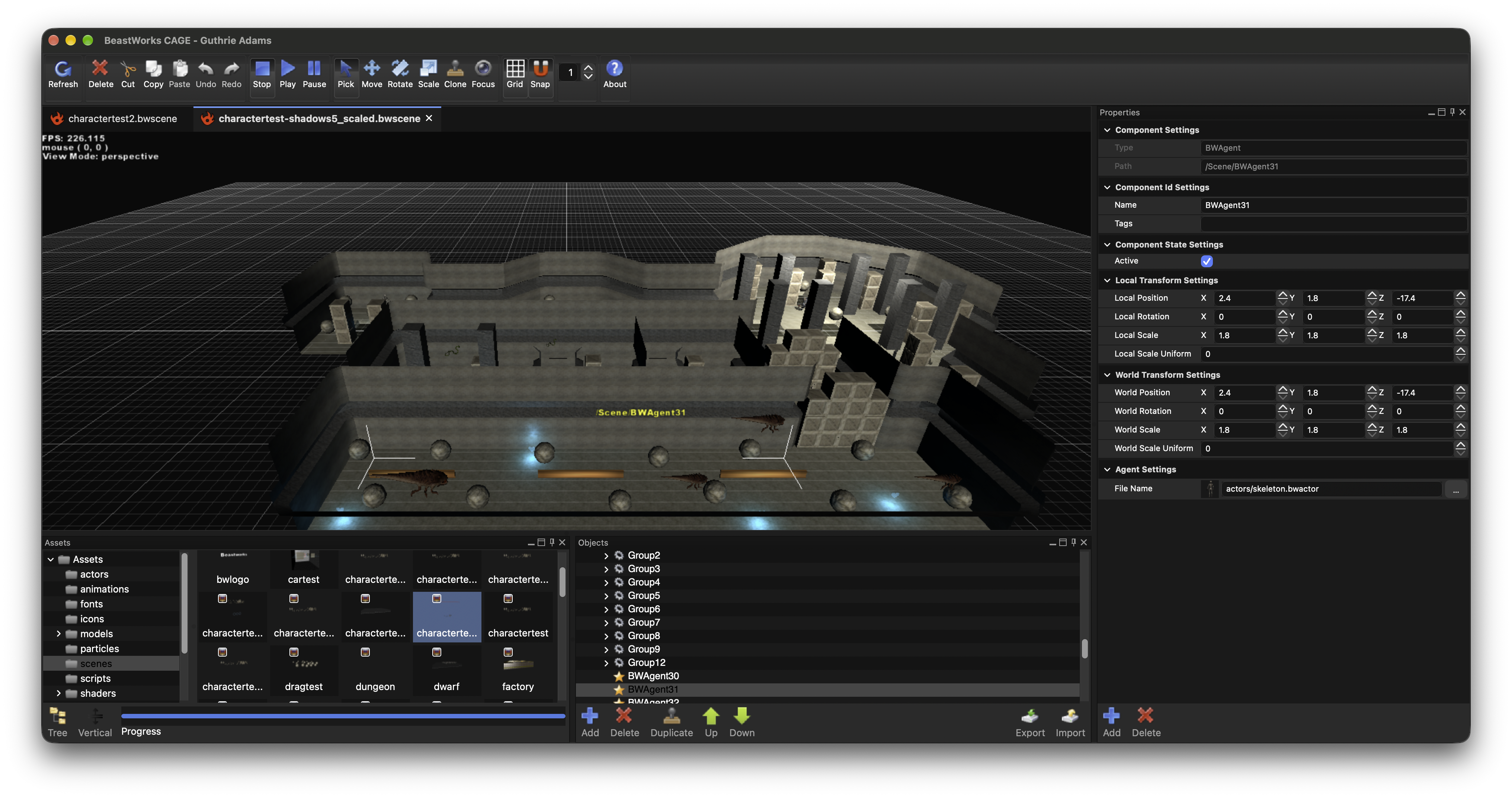
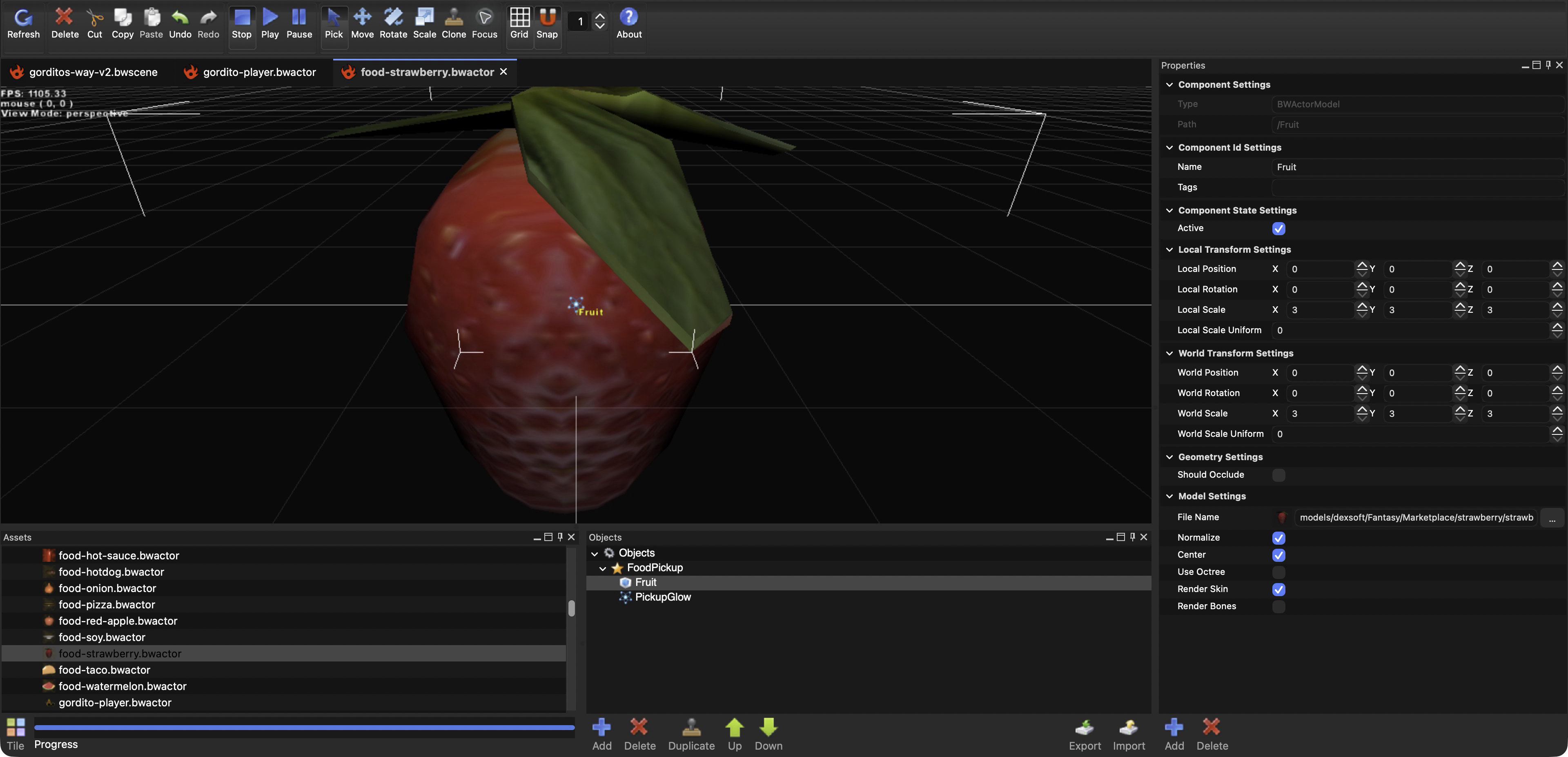
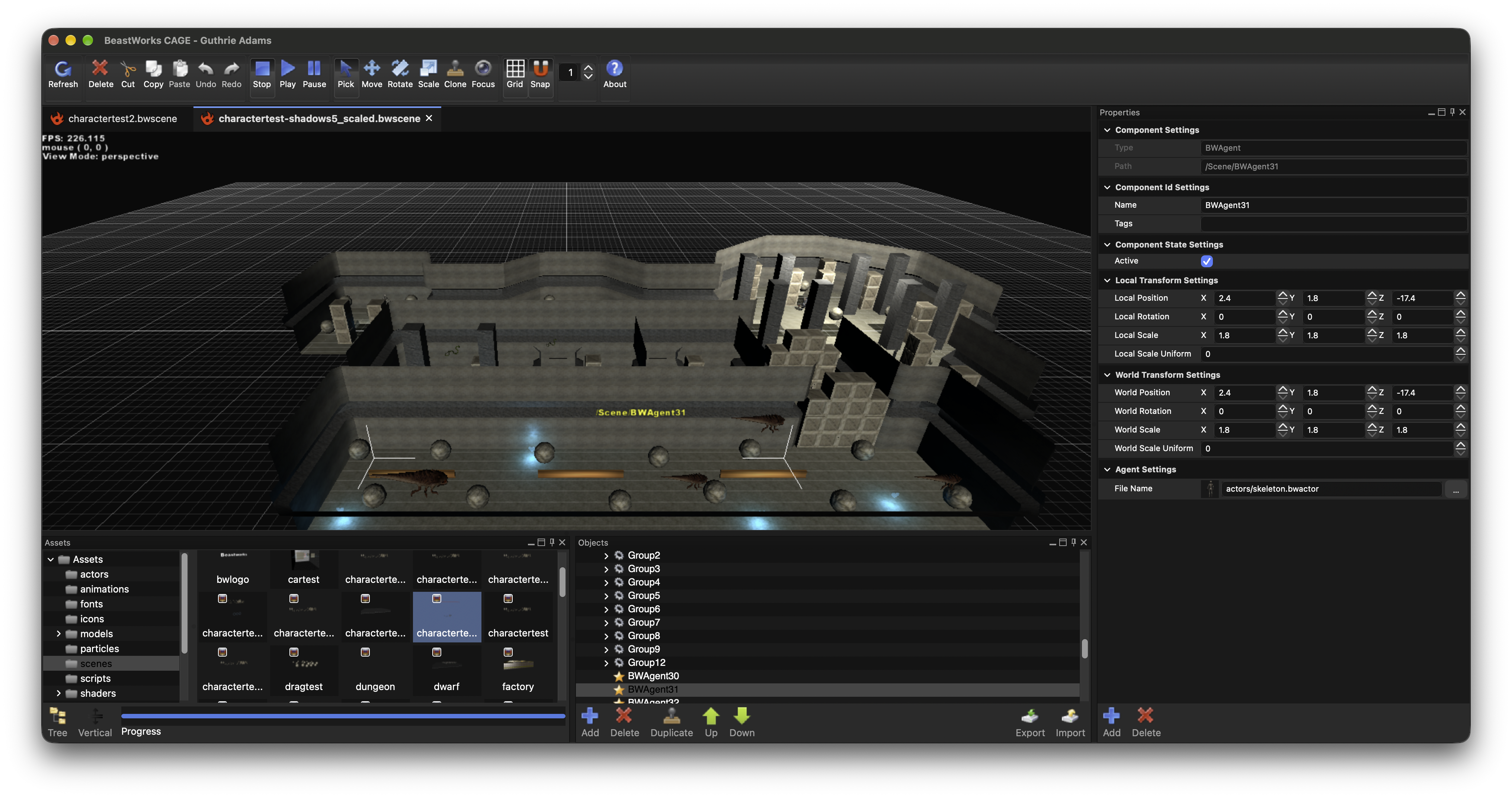
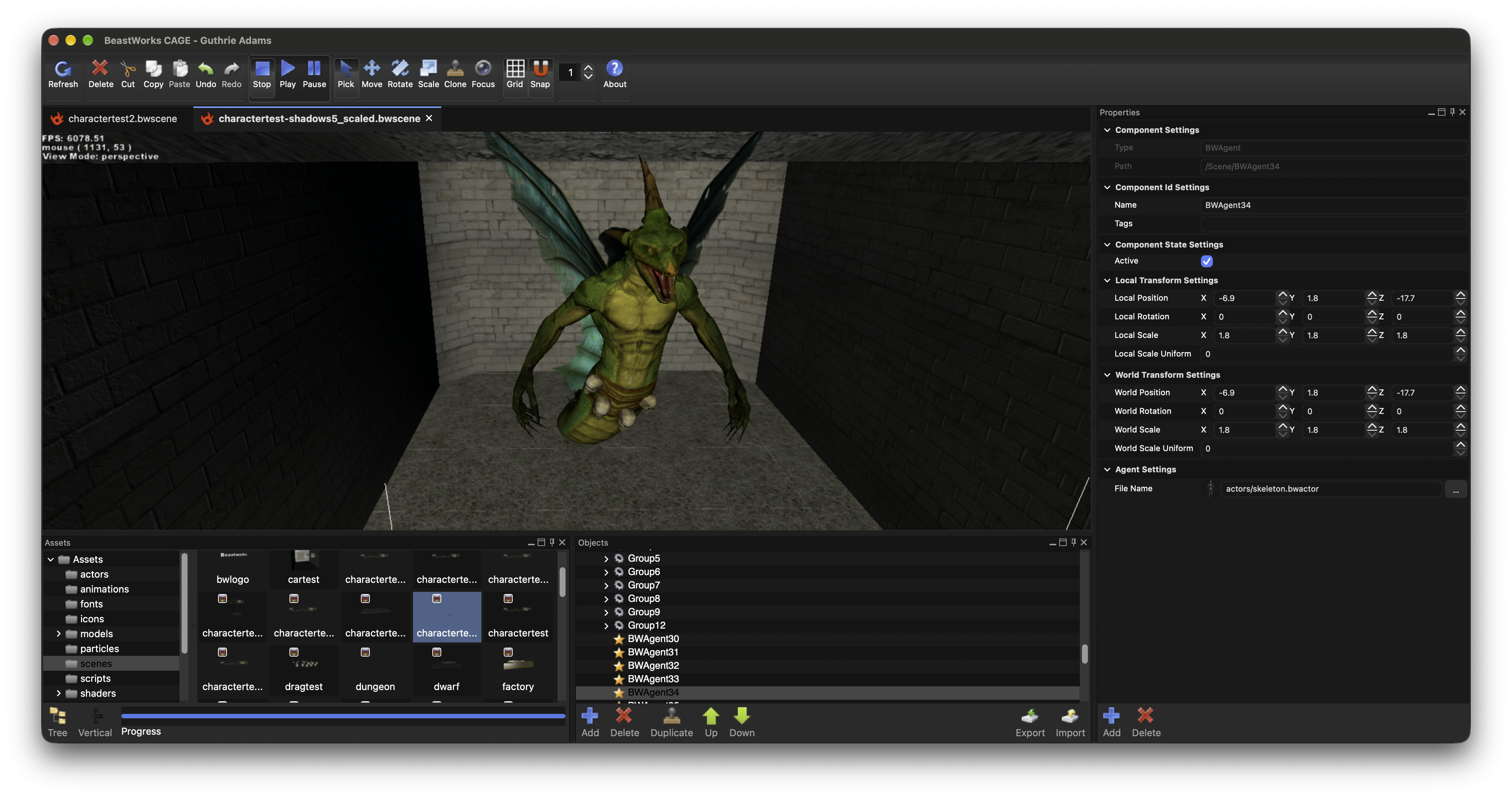
I built the engine, renderer, tools and these projects in my spare time between 2004 and 2015 to continuously experiment, learn, invent and turn engineering ideas into something tangible. The work helped me evolve as an engineer, explore ideas beyond my professional roles, and simplify complex processes for myself and users. The project supported Windows, macOS, iPhone and iPad; early versions of Pocket Warrior, Pocket Warrior Girl and Liquid Gold reached the App Store to prove viability. I shelved it in 2015 as my roles shifted to game technology and large engines for games, simulation and robotics. I am dusting it off and restoring it after all this time so I can share more than screenshots, videos and blog posts. Replacing the legacy build systems with CMake and updating dependencies unblocked the long-standing goal of bringing every runtime app and sample to the browser through WebGL. The editor and asset tools remain native. My earlier experiments then made adding WebXR a small step, enabling fully immersive VR across all apps on supported devices. More about the CAGE engine, editor and tools.
Archer Shooter
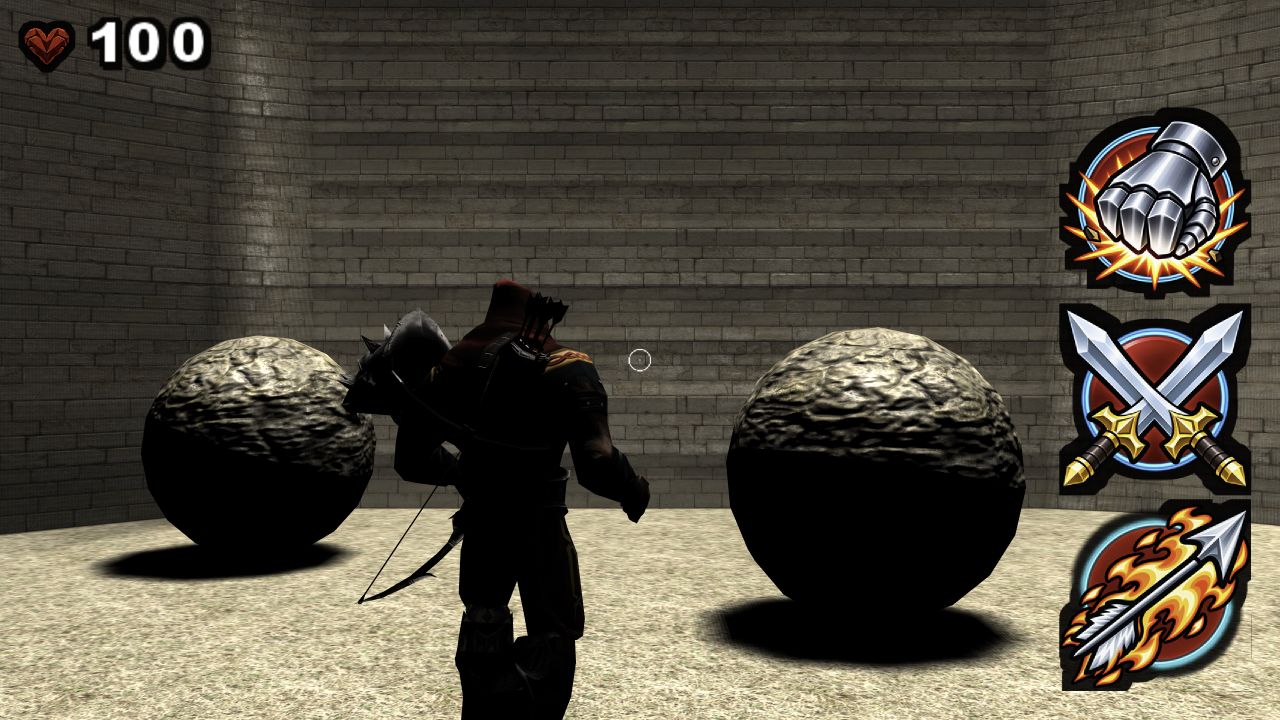
Fight through a CAGE-authored dungeon filled with skeletons, beasts and a giant orc. Lua drives aiming, projectiles and enemy behavior across animation, physics, particles, spatial audio, lighting and shadows.
Launch in browser →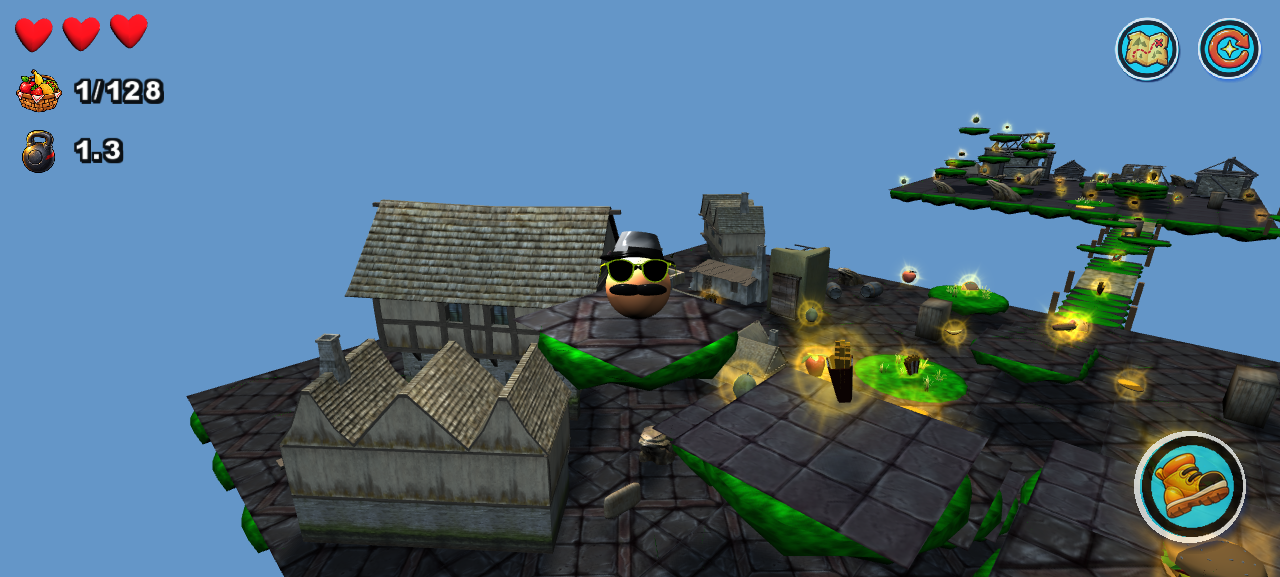
Gordito’s Way
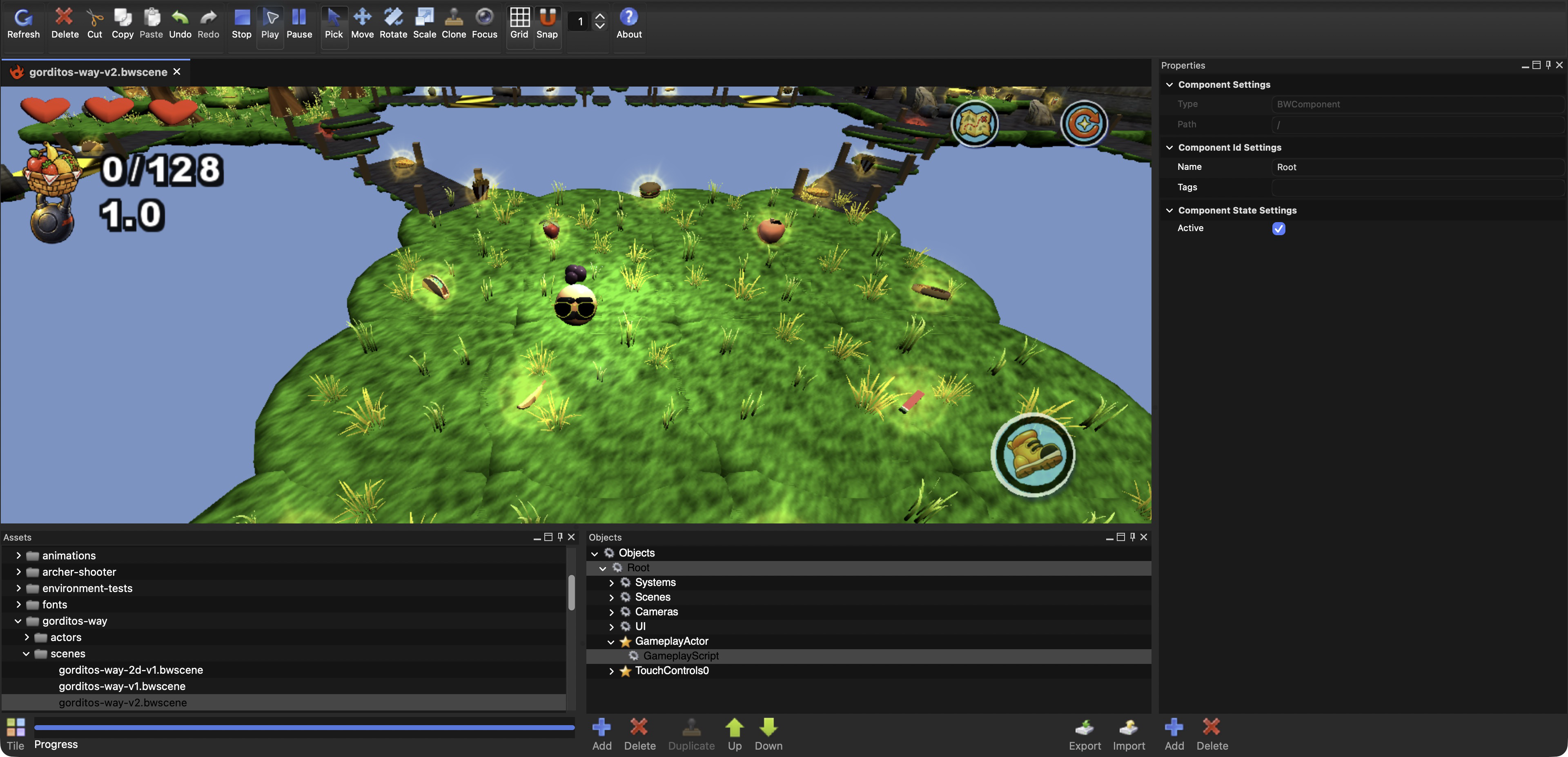
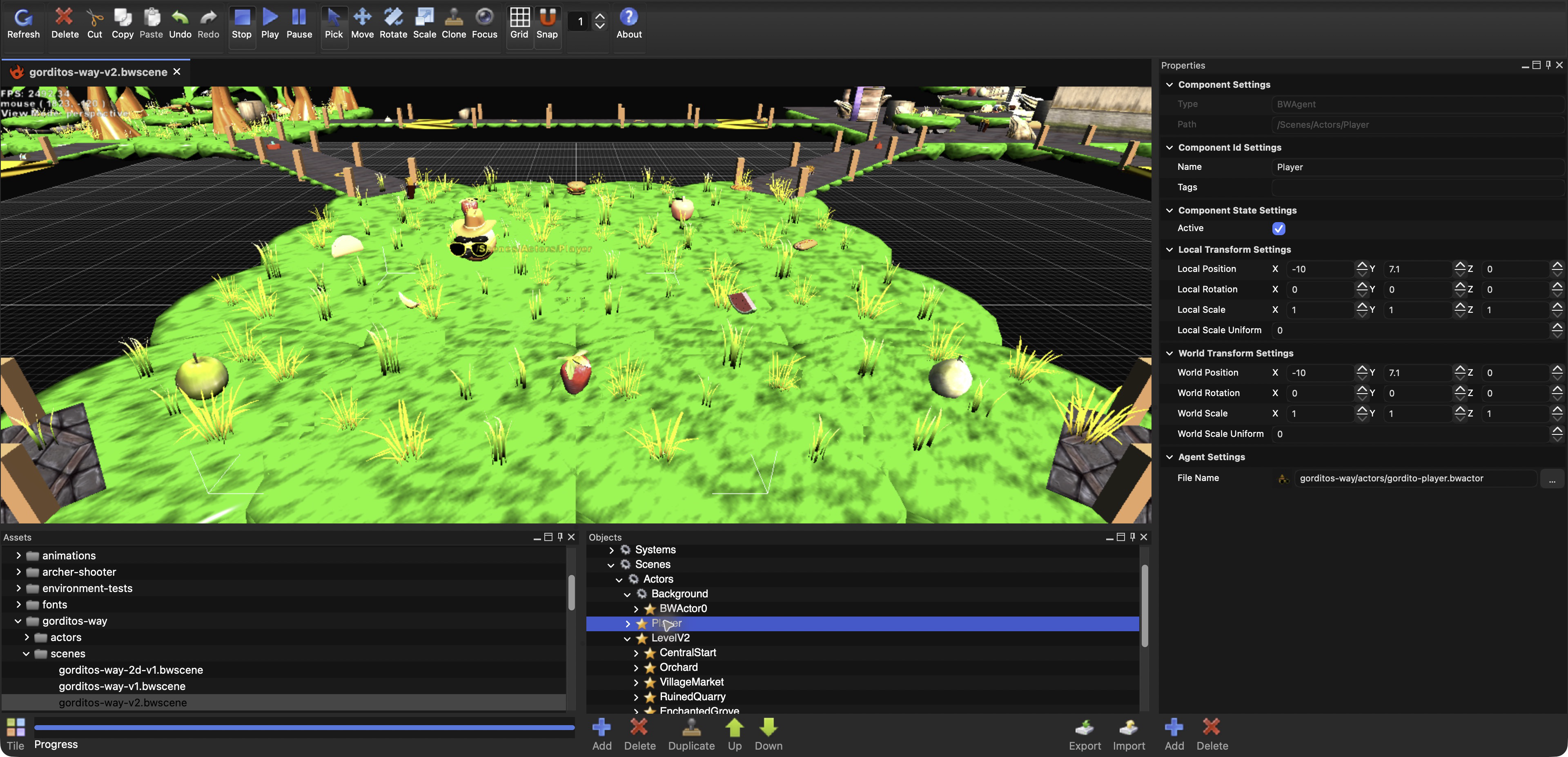
Roll, jump and eat through a multi-level physics playground as Gordito grows heavier and stronger. Food, temporary powers, weight gates, falling bridges, moving platforms and timed obstacles turn engine tests into a small game.
Launch in browser →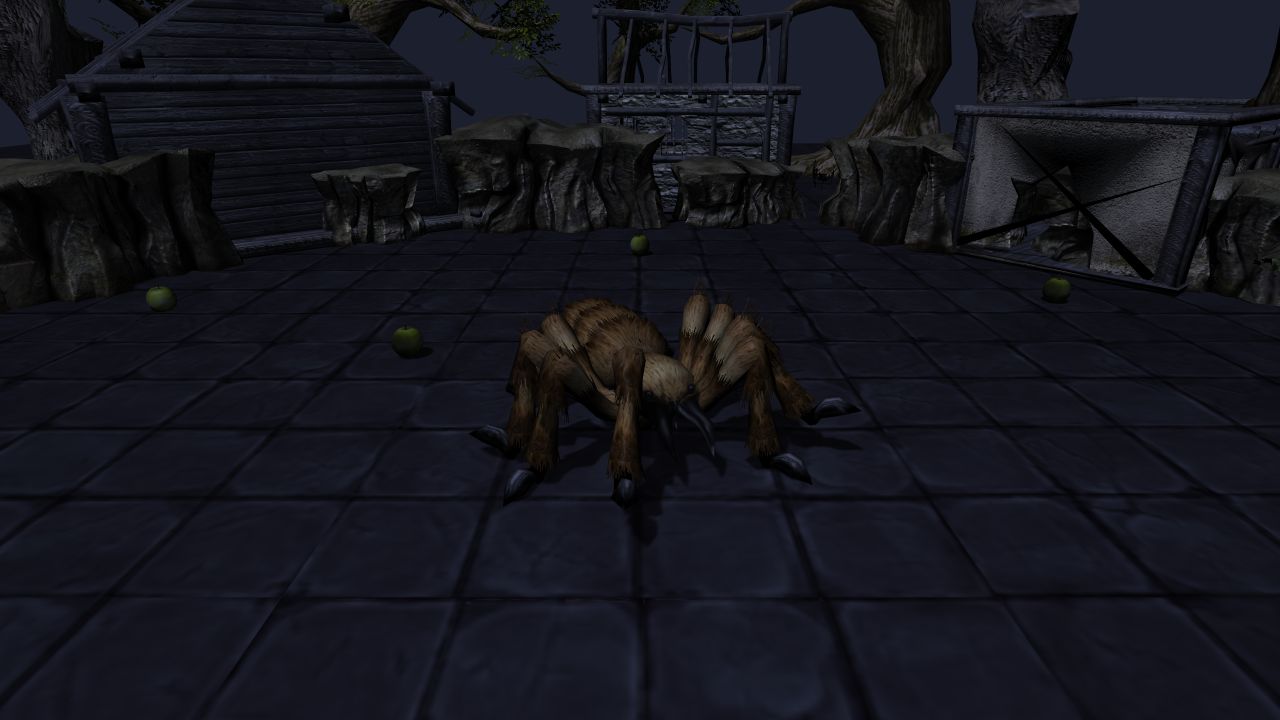
Pet Spider
Watch a spider wander between food targets, then interact with it to trigger larger reactions. Lua coordinates navigation, animation, sound, particles, shadows and a changing daylight cycle.
Launch in browser →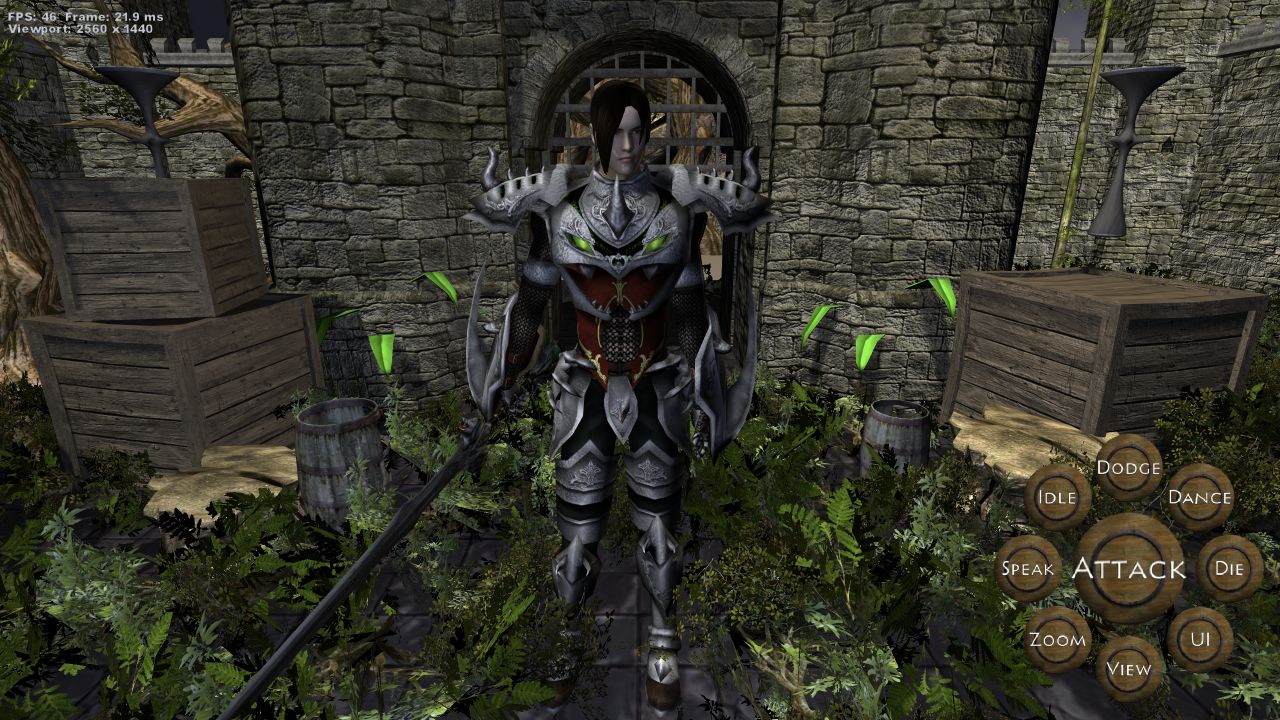
Pocket Warrior
Orbit an animated warrior and trigger attacks, dodges, dances and other character actions. The scene presents skeletal animation, equipment, layered materials, lighting and shadows through a touch-friendly character viewer.
Launch in browser →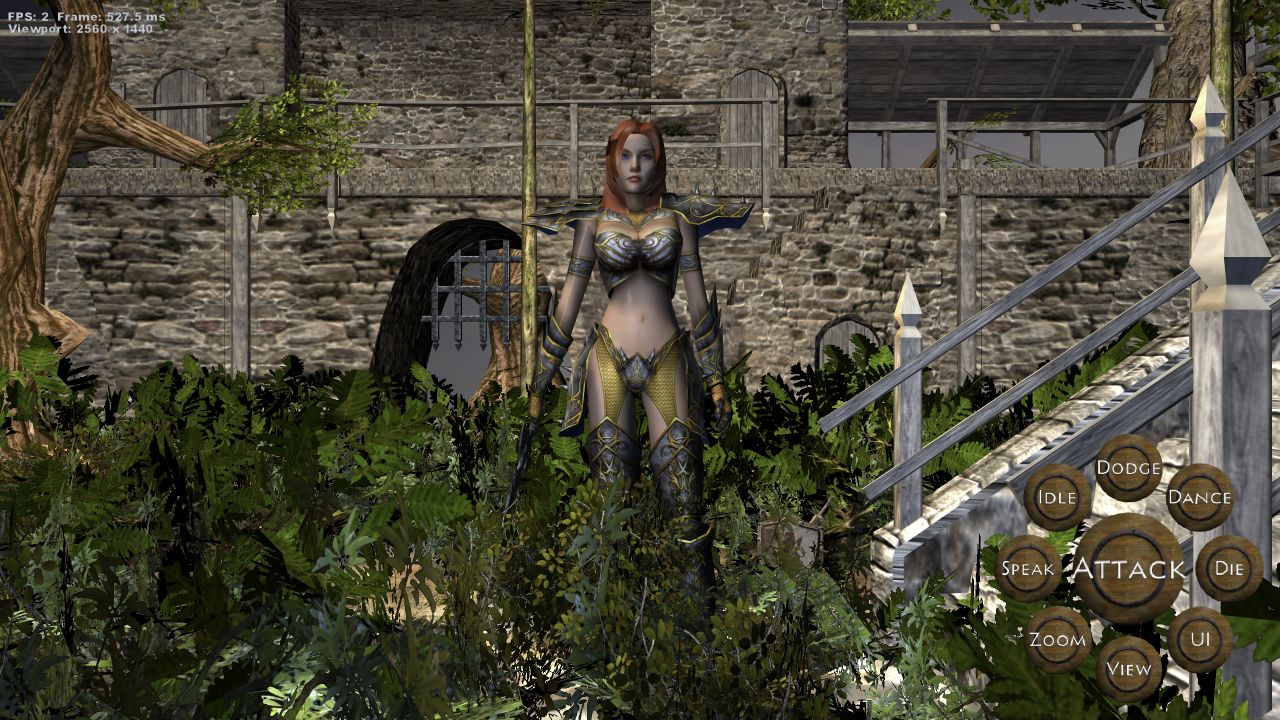
Pocket Warrior Girl
Orbit an animated warrior in a detailed courtyard and trigger her combat and character actions. The scene combines skeletal animation and layered materials with a CAGE-built environment, foliage, lighting and shadows.
Launch in browser →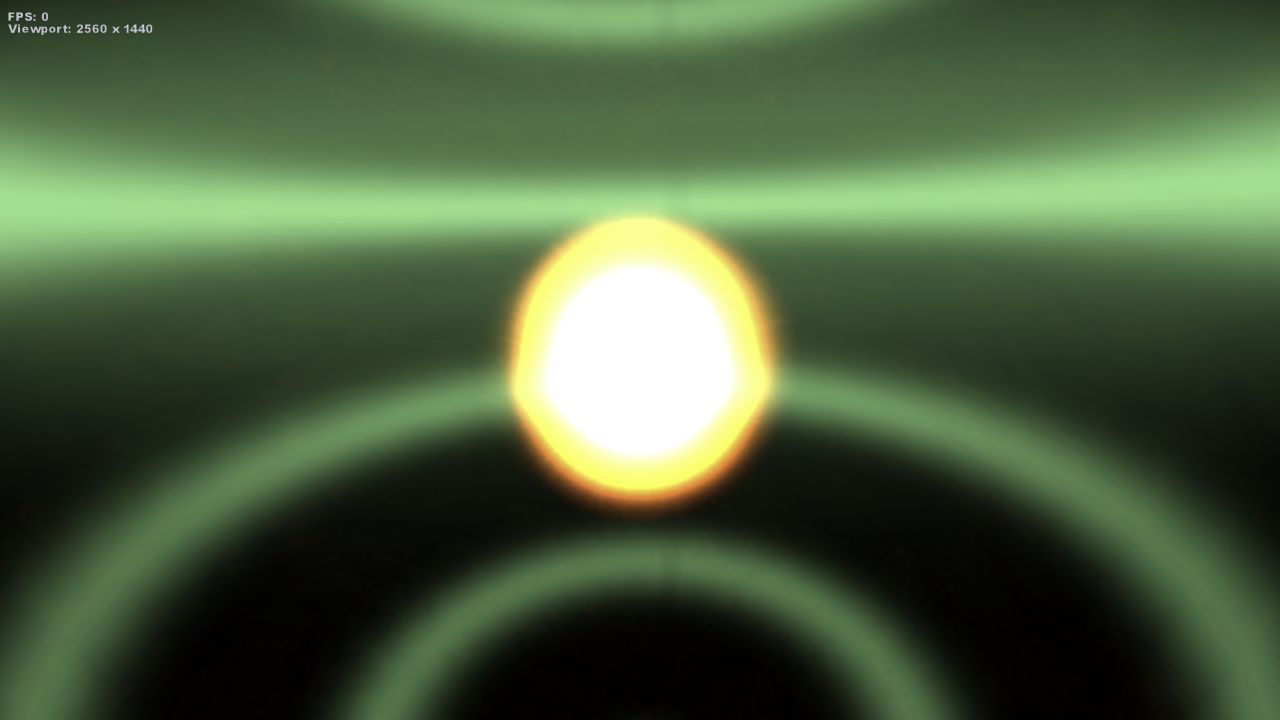
Liquid Gold
Move a lava fountain across the scene and hear its source travel through spatial audio. Pointer and touch input drive the effect while fresh presses add short particle and sound reactions.
Launch in browser →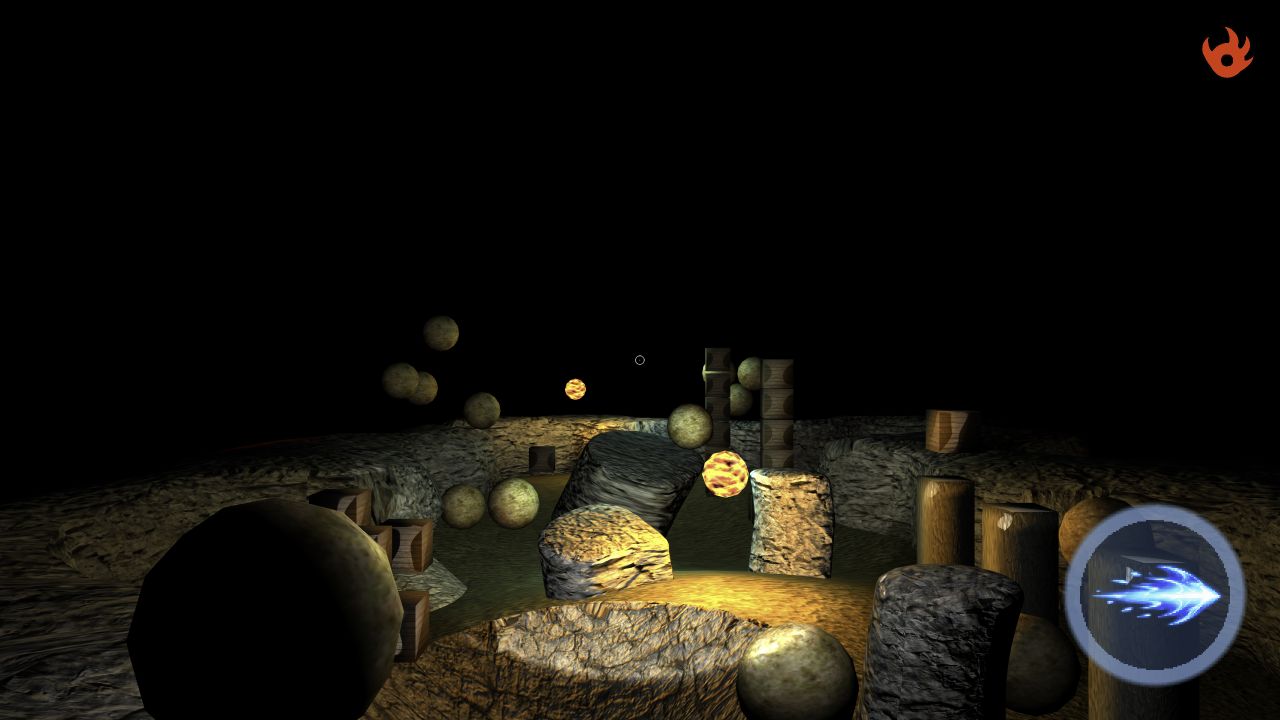
Aerial Shooter
Fly across an outdoor island and fire energy projectiles through rocks, crates and moving hazards. The scene combines terrain, physics, particles, emissive effects and third-person camera controls.
Launch in browser →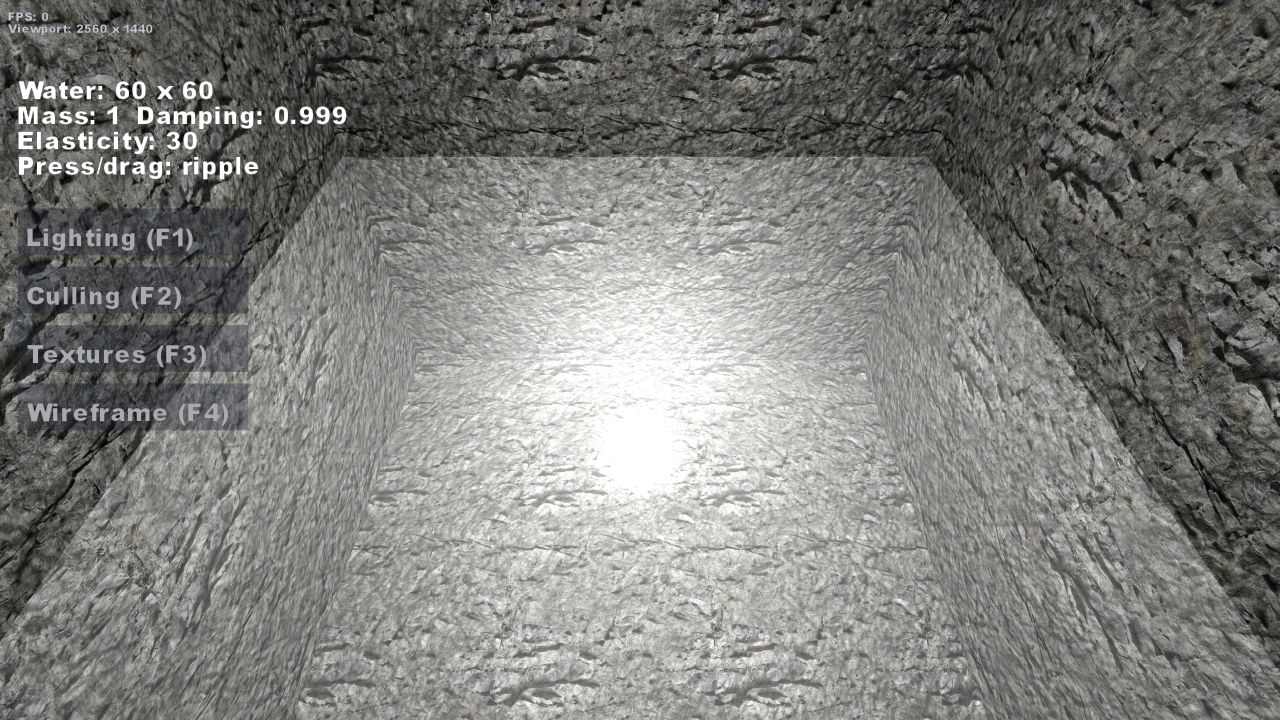
Water
Press or drag across a spring-grid water surface and watch waves travel through it. The focused sample couples interactive simulation with dynamic geometry, lighting and splash audio.
Launch in browser →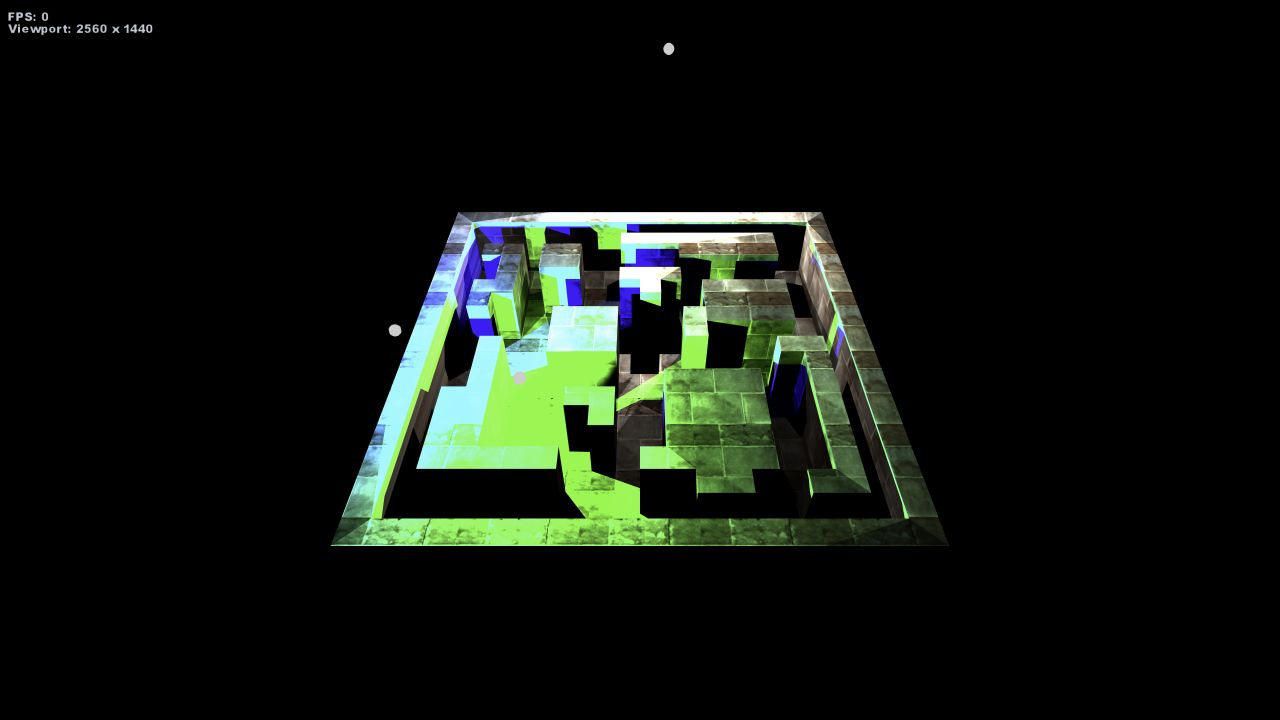
Shadows
Move through a compact scene lit by several colored sources. Dynamic stencil volumes reveal how the renderer builds and combines hard-edged shadows from the surrounding geometry.
Launch in browser →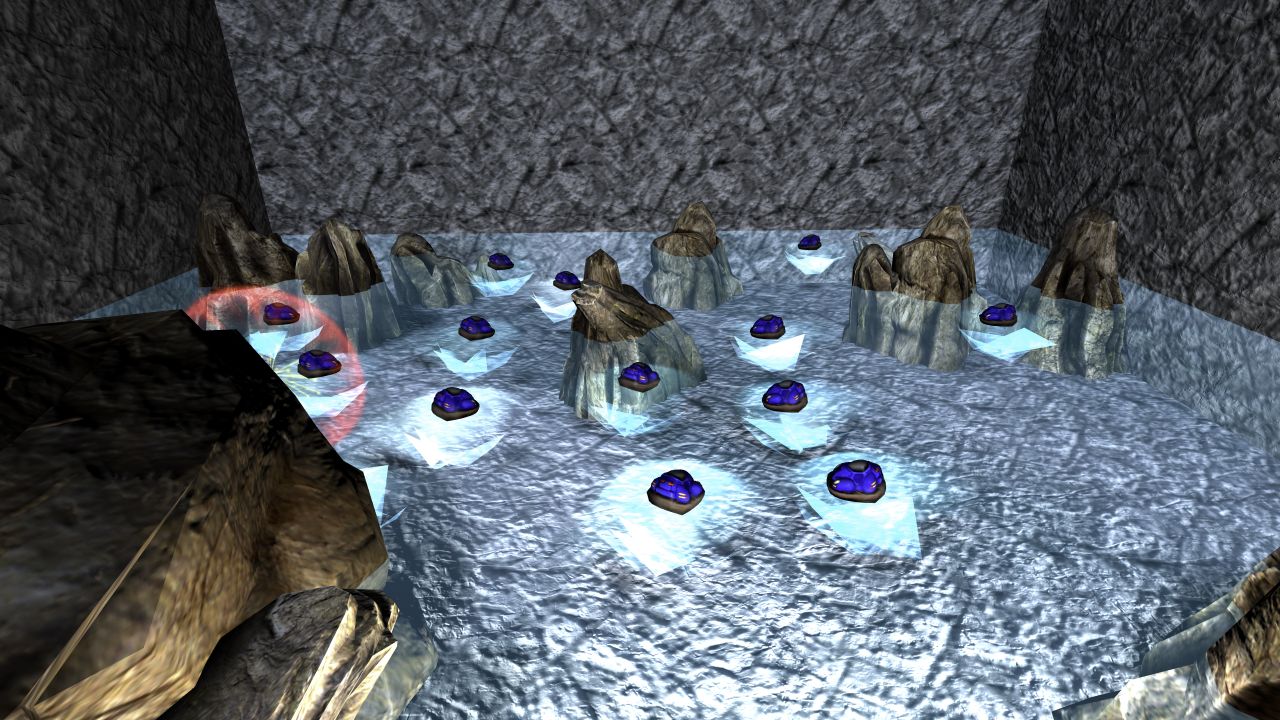
Hovercraft Chase
Watch autonomous hovercraft pursue a target that relocates when caught or stalled. Their chase runs across simulated water inside a rock cave, combining steering, reusable actors, particles and a following camera.
Launch in browser →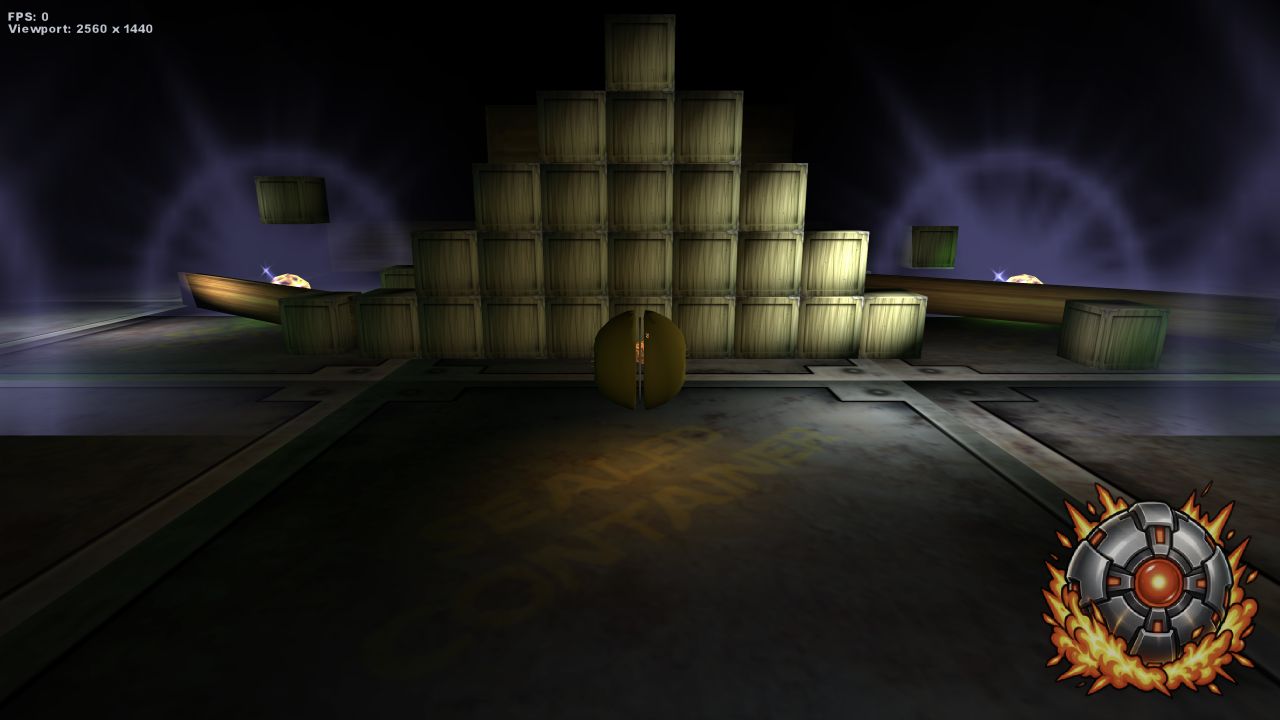
Metal Marble V2
Steer a magnetic marble through an early physics course of ramps, obstacles and moving lights. The restored version adds a shared chase camera, particles, audio and timed bombs that push nearby rigid bodies.
Launch in browser →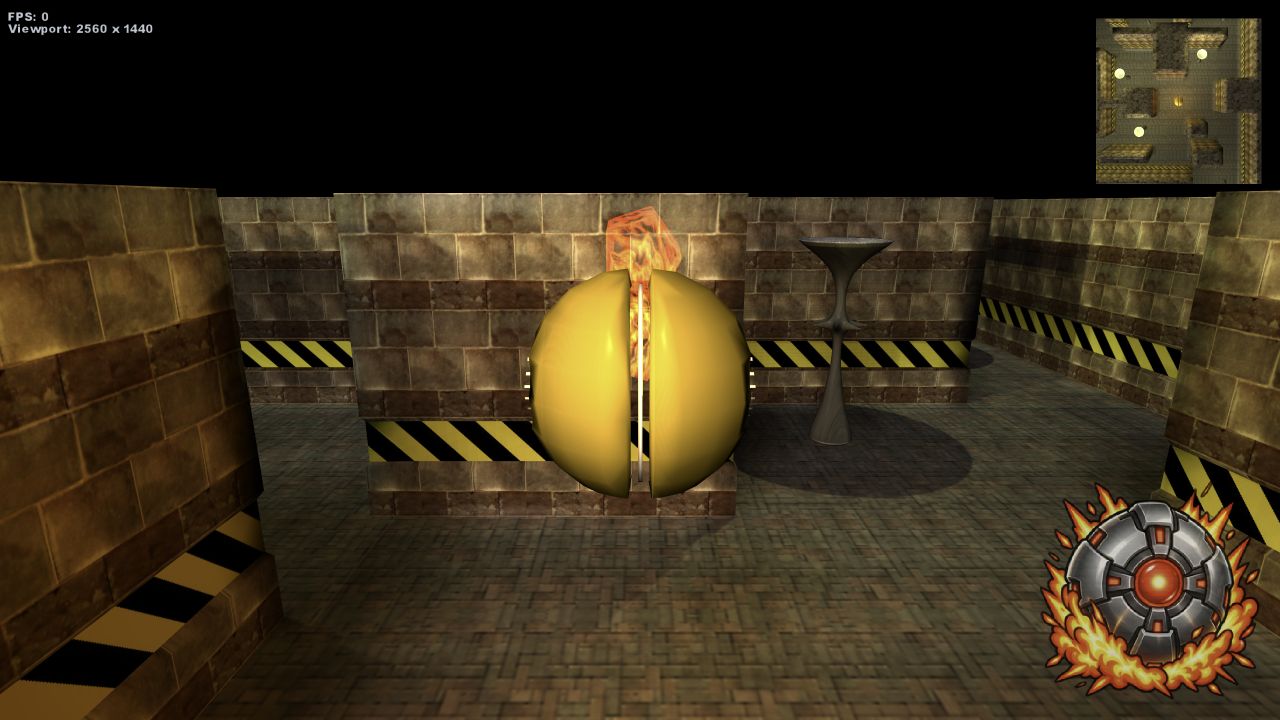
Metal Marble Factory
Navigate a layered factory maze with the shared magnetic-marble controls, camera and bomb mechanics. The scene preserves an early experiment in momentum, physical obstacles, render targets, particles and sound.
Launch in browser →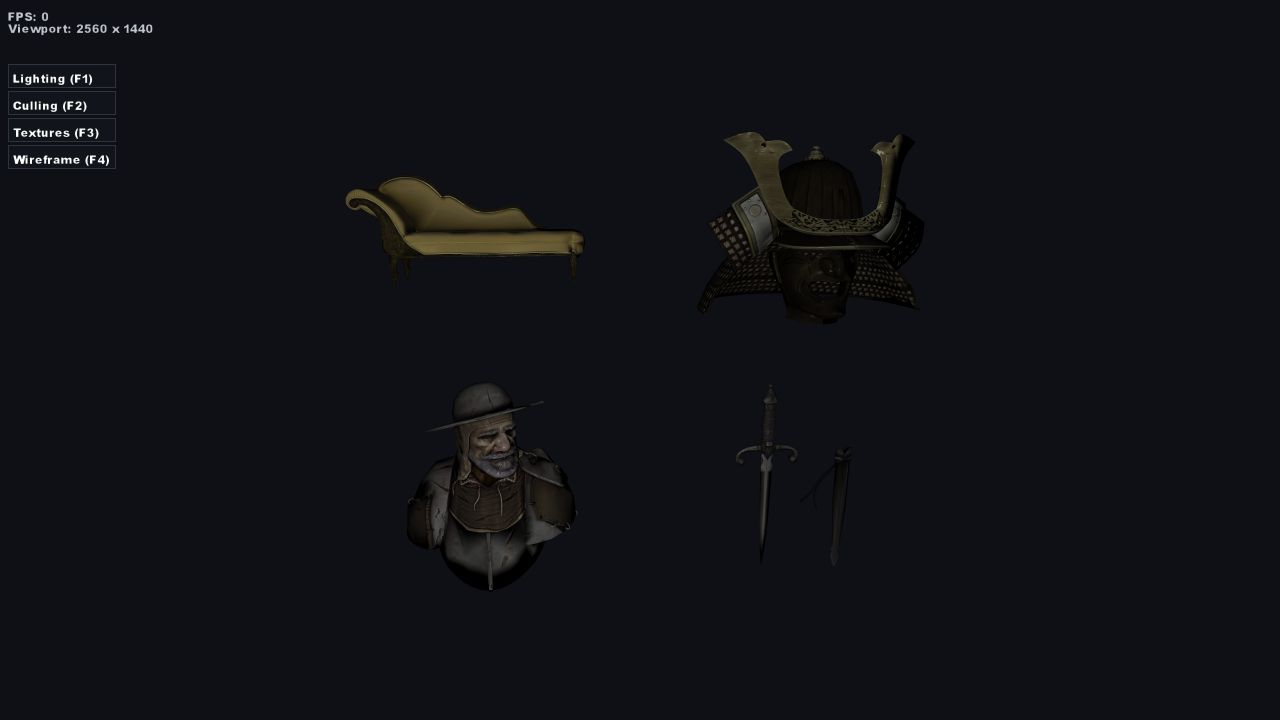
Materials
Compare four detailed models under the same camera and lighting. Their layered textures exercise the restored GLB-to-BeastWorks material path, including surface detail, specular response and emissive content.
Launch in browser →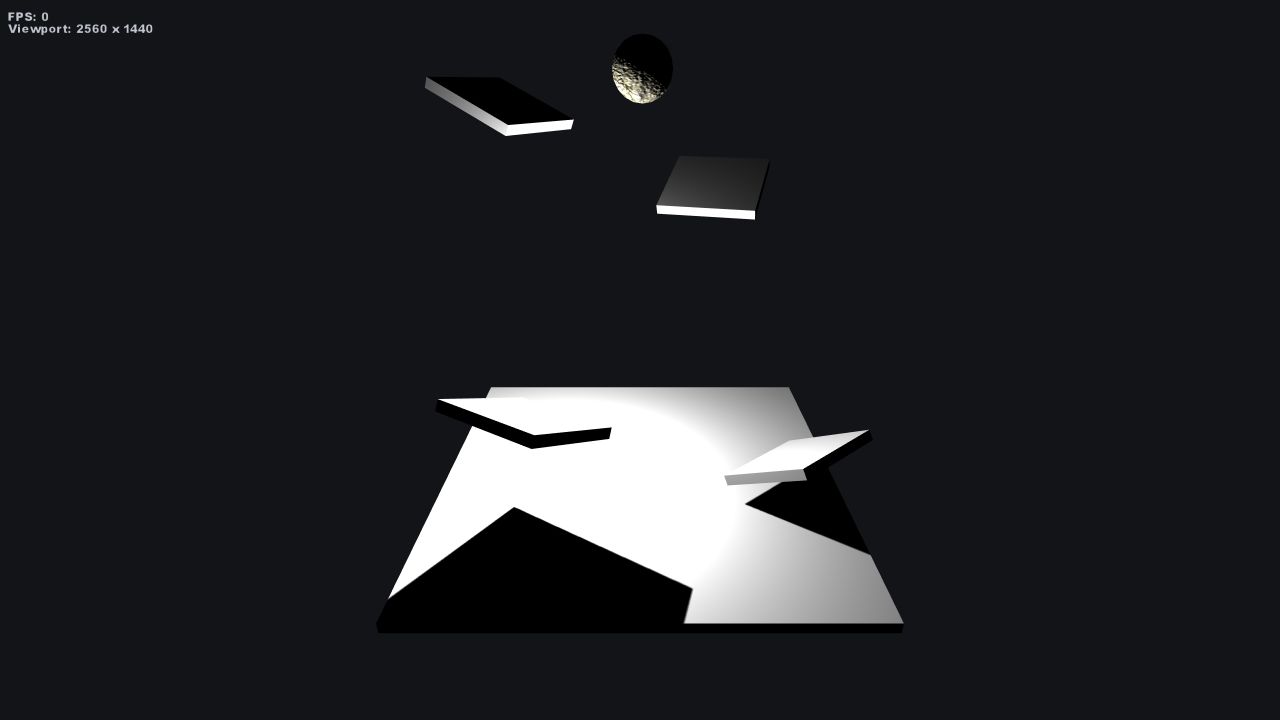
Boulder Spawner
Drop a continuous stream of simulated boulders through a collision course. The spawner recycles escaped bodies while dust trails expose their motion and impacts.
Launch in browser →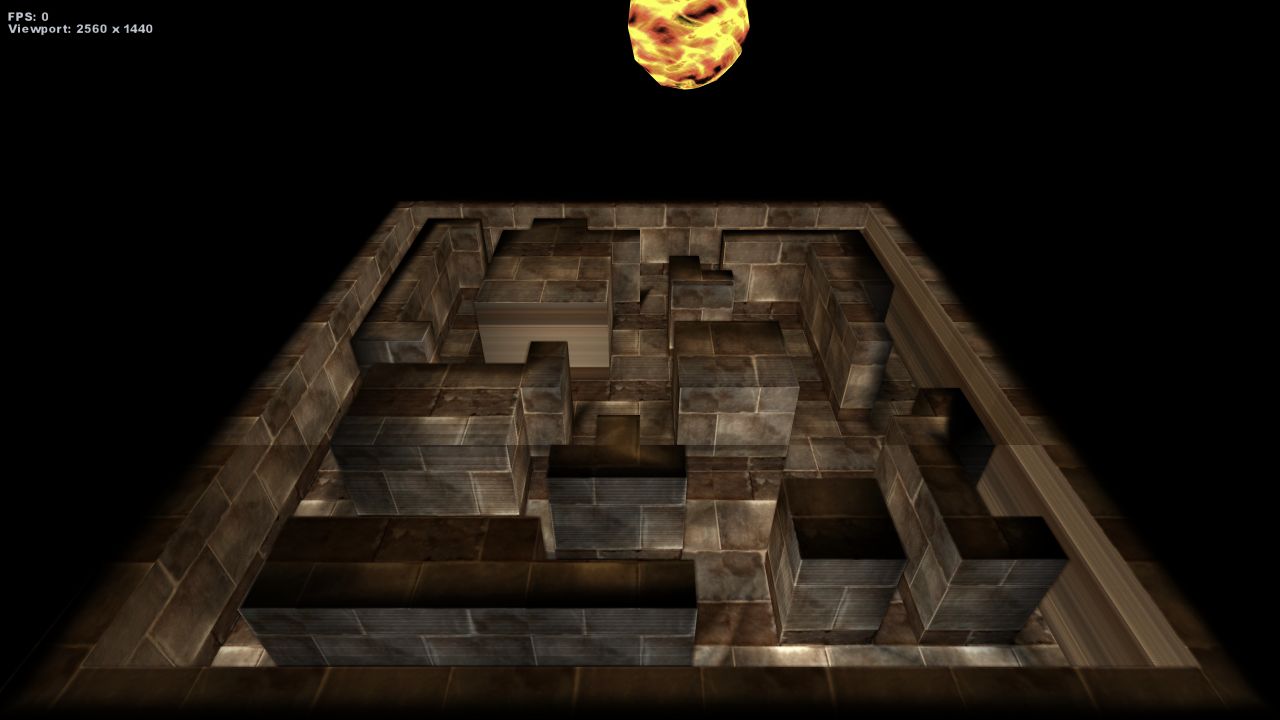
Fireball Maze
Launch glowing rigid-body fireballs through a physical maze and watch them collide and ricochet. Trails and impact effects make the collision response easy to follow.
Launch in browser →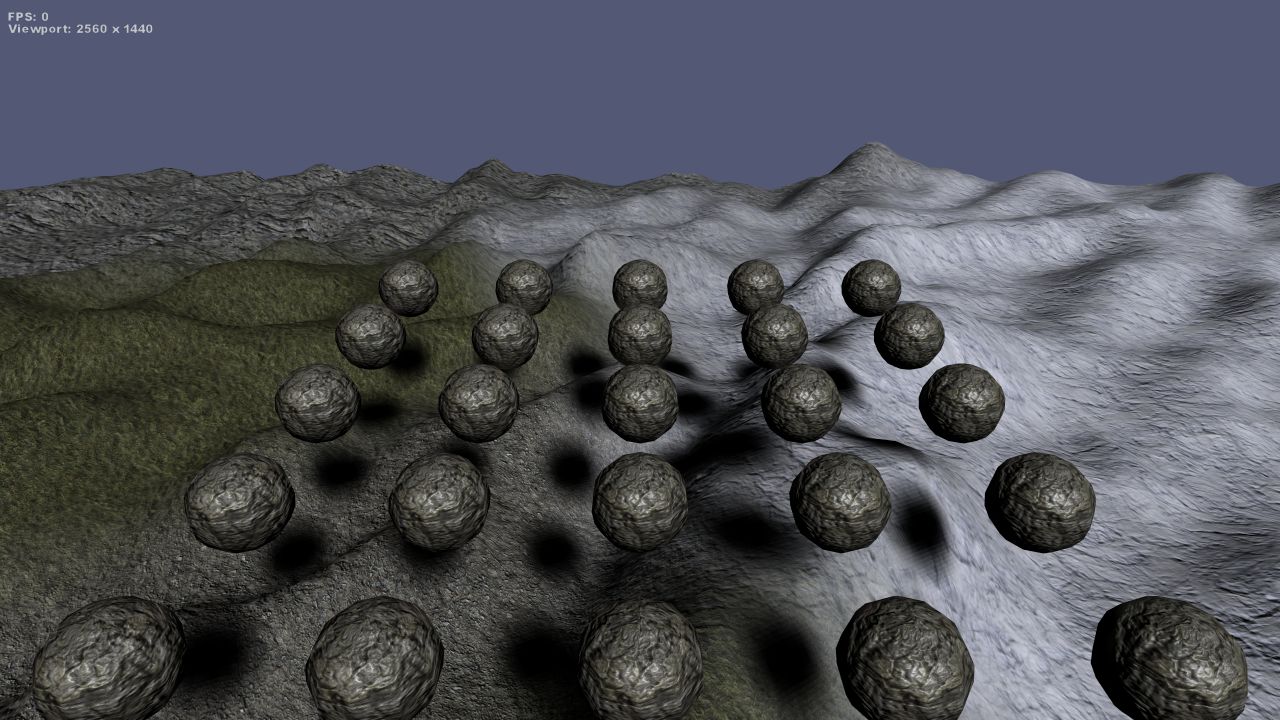
Desert Boulder Terrain
Roll simulated boulders across a textured heightmap landscape. The scene tests terrain generation, surface collision, rigid-body motion, camera framing and shadows at outdoor scale.
Launch in browser →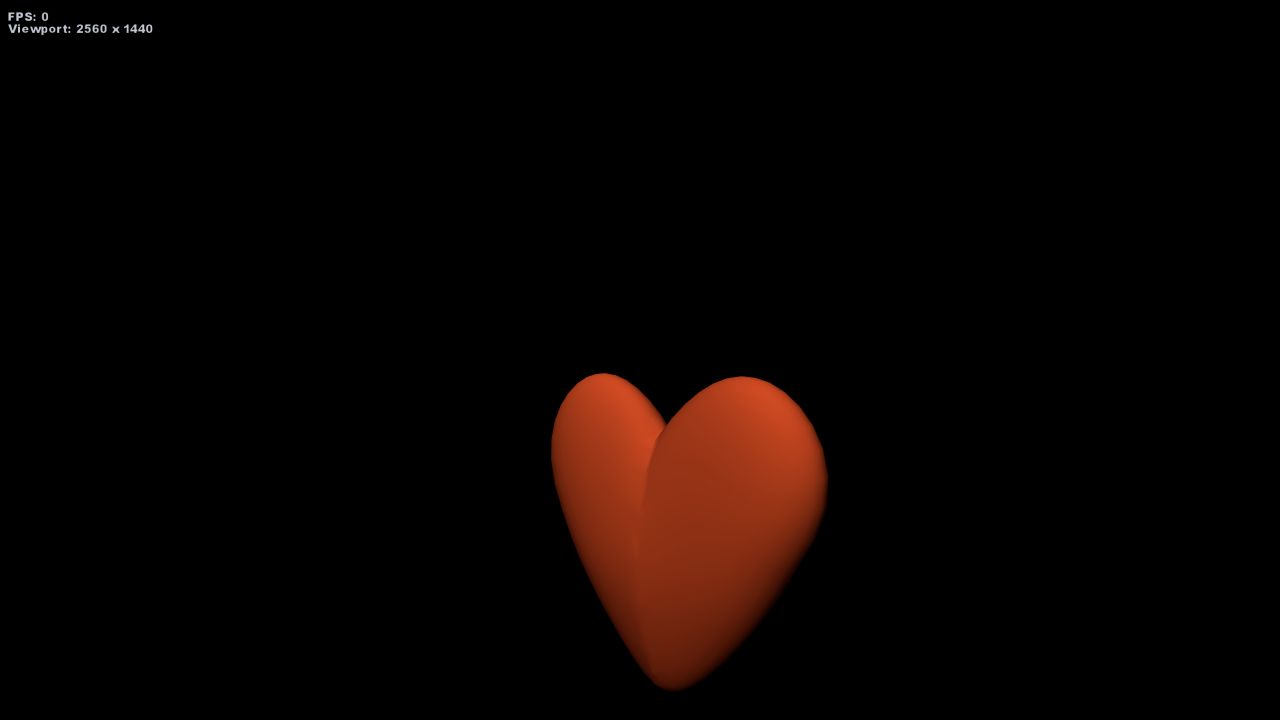
Lua Heart
Drive a rotating BeastWorks heart with a compact Lua behavior script. The early experiment isolates scripted scene behavior, model rendering and camera presentation.
Launch in browser →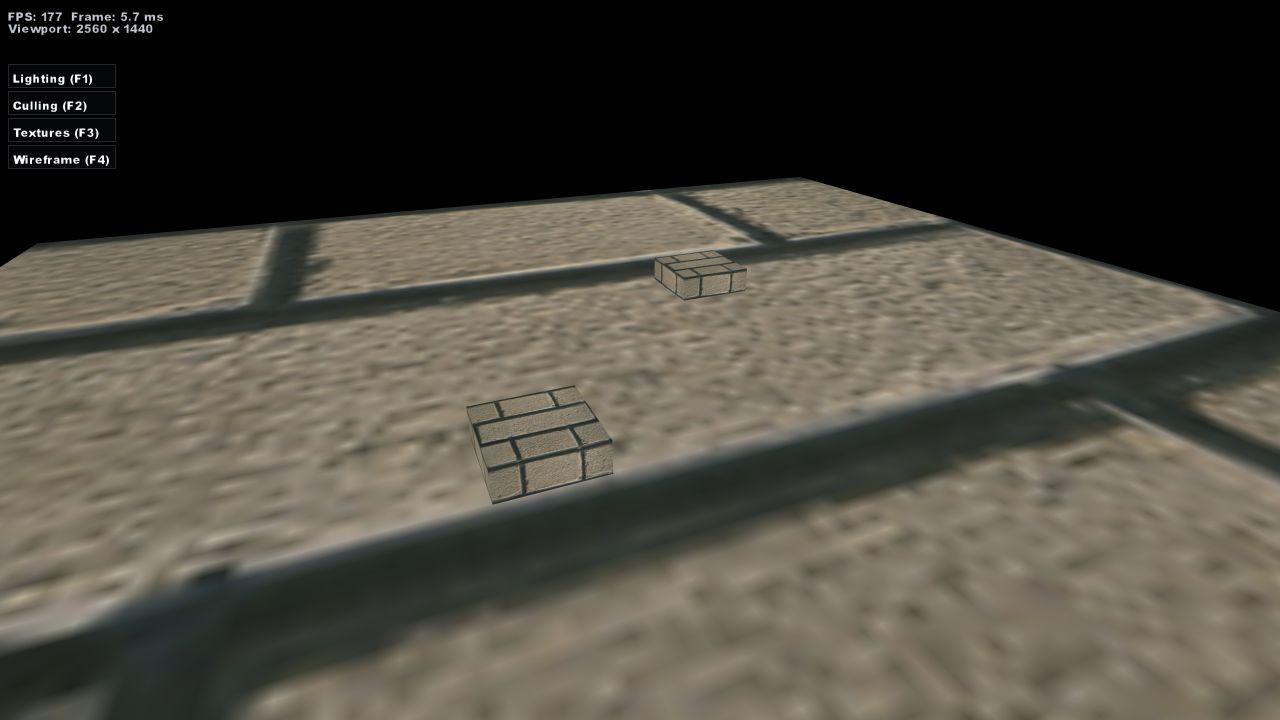
Constructive Solid Geometry
Build new forms by combining and subtracting solid meshes in real time. Wireframe inspection exposes the geometry produced by the constructive solid geometry operations.
Launch in browser →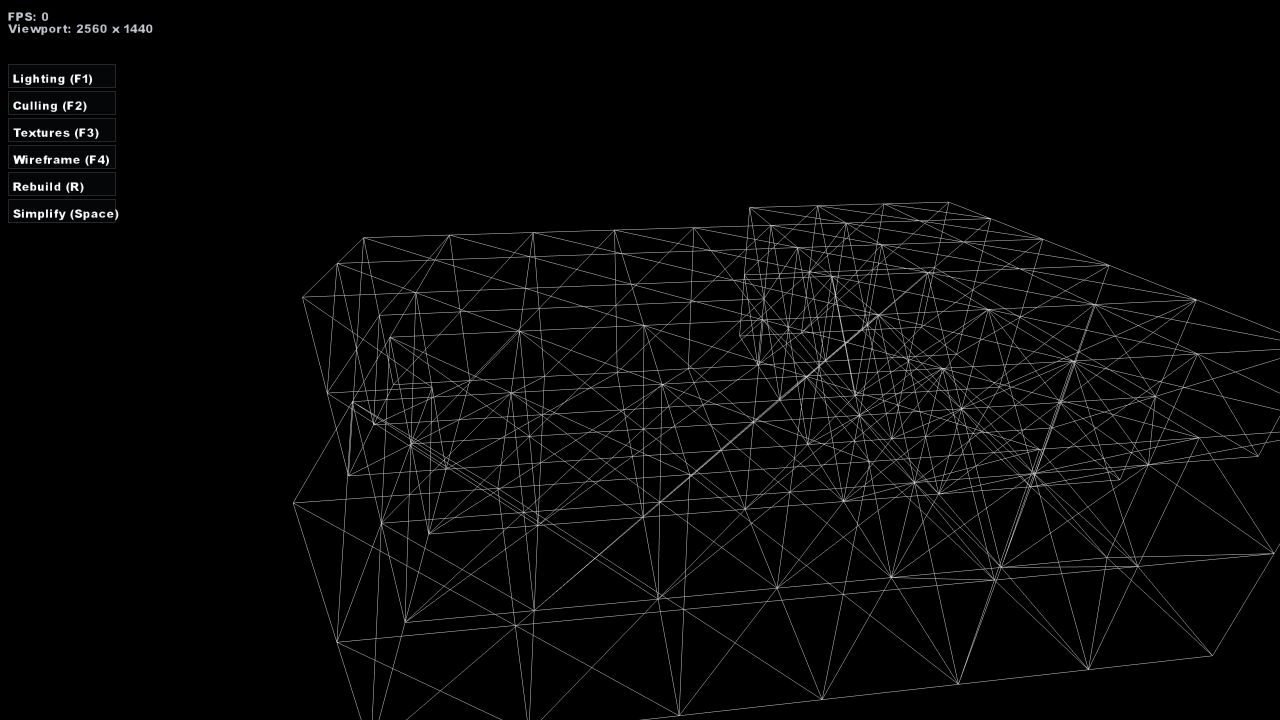
Mesh Simplification
Simplify dungeon geometry in real time with an edge-collapse algorithm. The sample exposes the changing topology in wireframe as it reduces the mesh.
Launch in browser →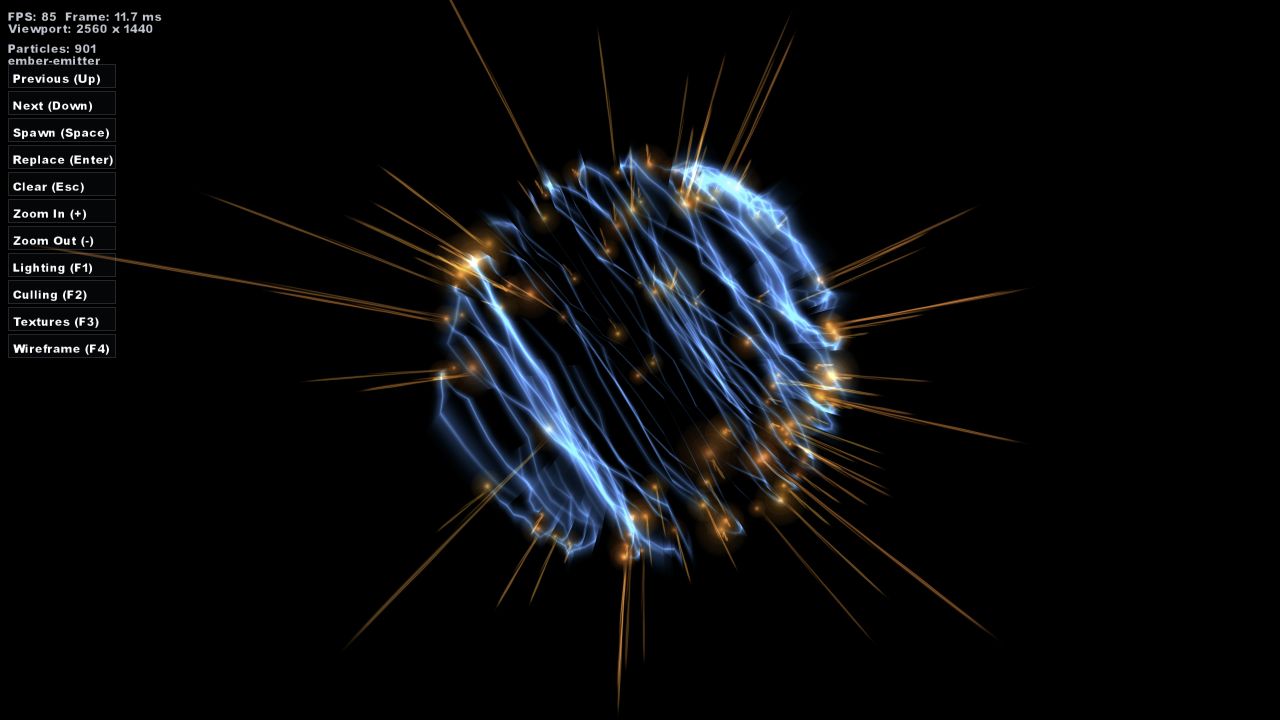
Particles
Browse the restored particle library, then spawn, replace or clear effects while they run. The collection exercises emitters, shapes, animated properties, nested effects and several particle renderers.
Launch in browser →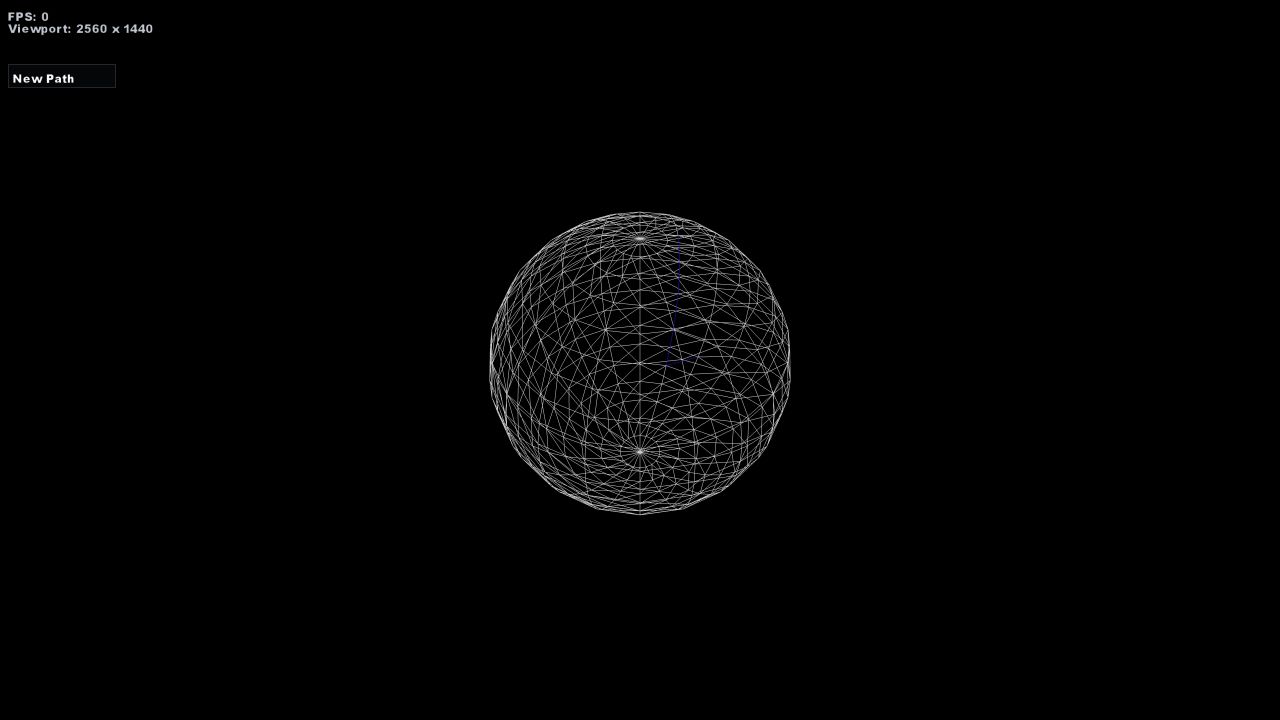
Pathfinding
Inspect a generated navigation structure and the routes calculated across it. The sample isolates path construction, route selection and traversal for direct visual debugging.
Launch in browser →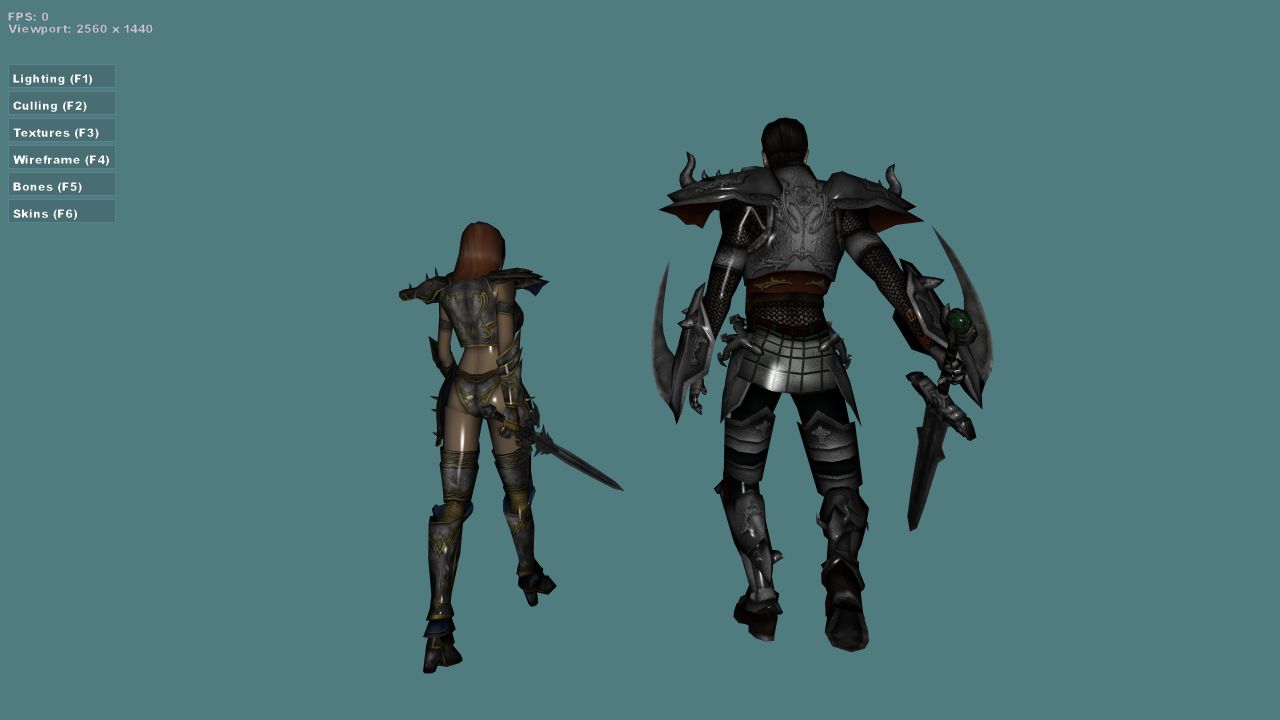
Animation
Compare several character models while their skeletal animation clips play. The focused viewer exercises skinning, animation selection, restored model data and consistent camera framing.
Launch in browser →No matching apps.